

Overview
There is more to pentesting than finding vulnerabilities. The CPTS exam puts heavy emphasis on reporting — findings need to be documented clearly, structured properly, and delivered in a format that actually communicates risk. SysReptor is the recommended reporting platform for the exam, and I wanted my own persistent instance rather than dealing with a temporary or shared setup every time.
The goal was simple: a self-hosted SysReptor I could access from anywhere on my home network, with my own templates saved and ready to go, so reporting is as frictionless as possible. No hunting for templates, no reconfiguring — just open it, start a report, and focus on the work.
Rather than spinning up a full VM, I ran it inside an LXC container on Proxmox — a lighter weight approach that keeps the footprint small while still giving SysReptor its own isolated environment with persistent storage.
Why LXC Over a VM
A full VM for a reporting tool is overkill. LXC containers on Proxmox share the host kernel, which means:
- Faster startup and lower idle resource usage
- Same isolation and persistent storage as a VM
- Easier to stop when not in use — no reason to run reporting infrastructure 24/7
SysReptor runs in Docker inside the container. Proxmox LXC supports this cleanly as long as nesting is enabled at container creation — without it, Docker can’t create its internal network bridges.
Container Setup
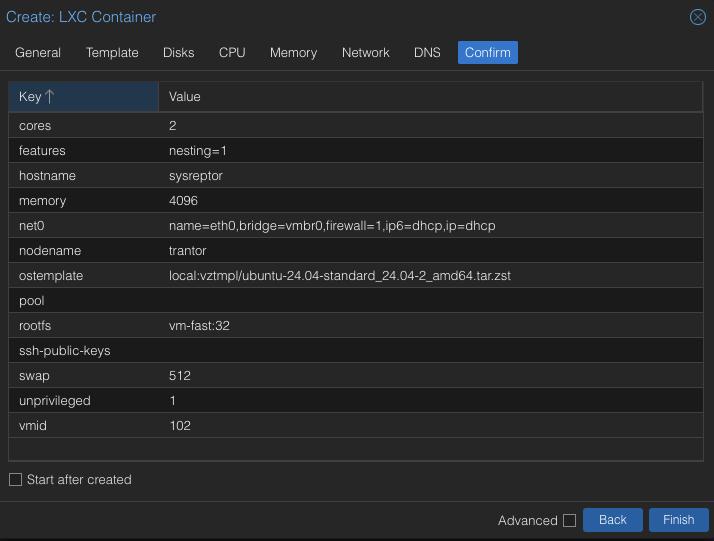
Created a Proxmox LXC container (CT 102) with an Ubuntu 24.04 template:
| Setting | Value |
|---|---|
| CT ID | 102 |
| Hostname | sysreptor |
| Template | Ubuntu 24.04 |
| Storage | vm-fast (NVMe-backed) |
| Disk | 32GB |
| CPU | 2 cores |
| RAM | 4096 MB |
| Unprivileged | Yes |
| Nesting | Enabled |
Nesting is the critical setting — it enables the kernel features Docker needs to run inside LXC.
Docker Installation
Inside the container, installed Docker using the official install script:
apt update && apt install -y curl
curl -fsSL https://get.docker.com | sh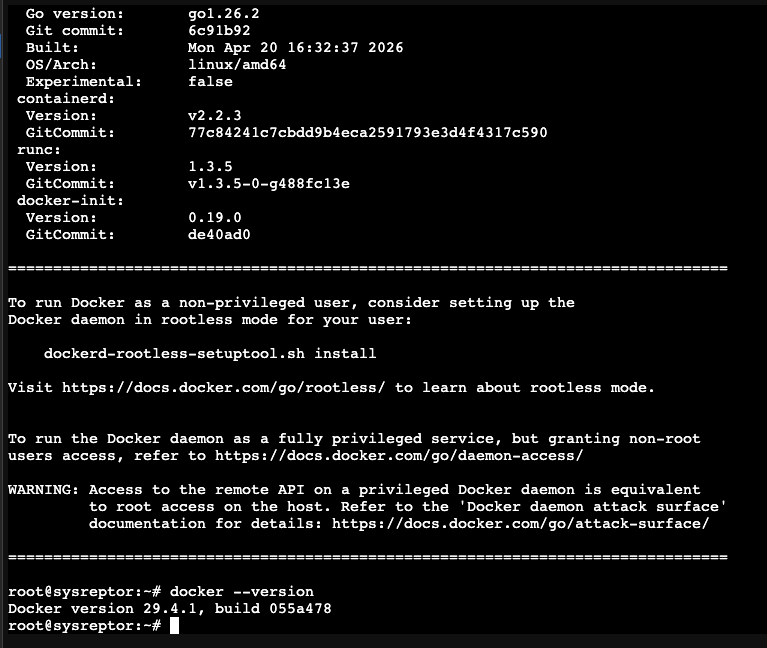
SysReptor Deployment
Cloned the repo and set up the environment:
apt install -y docker-compose-plugin
git clone https://github.com/Syslifters/sysreptor.git
cd sysreptor/deploy
cp app.env.example app.env
Generated a secret key and added it to app.env:
python3 -c "import secrets; print(secrets.token_hex(64))"Set SECRET_KEY and ALLOWED_HOSTS in app.env, then created the required external volumes before starting:
docker volume create sysreptor-db-data
docker volume create sysreptor-app-data
docker compose up -d
Troubleshooting: Port Binding
After bringing up the containers, SysReptor was unreachable from the browser. The issue: the app was binding to 127.0.0.1:8000 — localhost only — instead of the container’s network interface.
docker compose ps
# sysreptor-app ... 127.0.0.1:8000->8000/tcp  ← not accessible externally
Investigating the docker-compose configuration revealed the port is controlled by a BIND_PORT environment variable, defaulting to 127.0.0.1:8000:8000. Adding it to app.env didn’t resolve it — that file is read as container environment variables, not as Docker Compose variable substitution.
The fix was a .env file in the deploy directory, which Docker Compose reads for variable substitution at startup:
echo "BIND_PORT=0.0.0.0:8080:8000" > ~/sysreptor/deploy/.env
docker compose down && docker compose up -d
docker compose ps
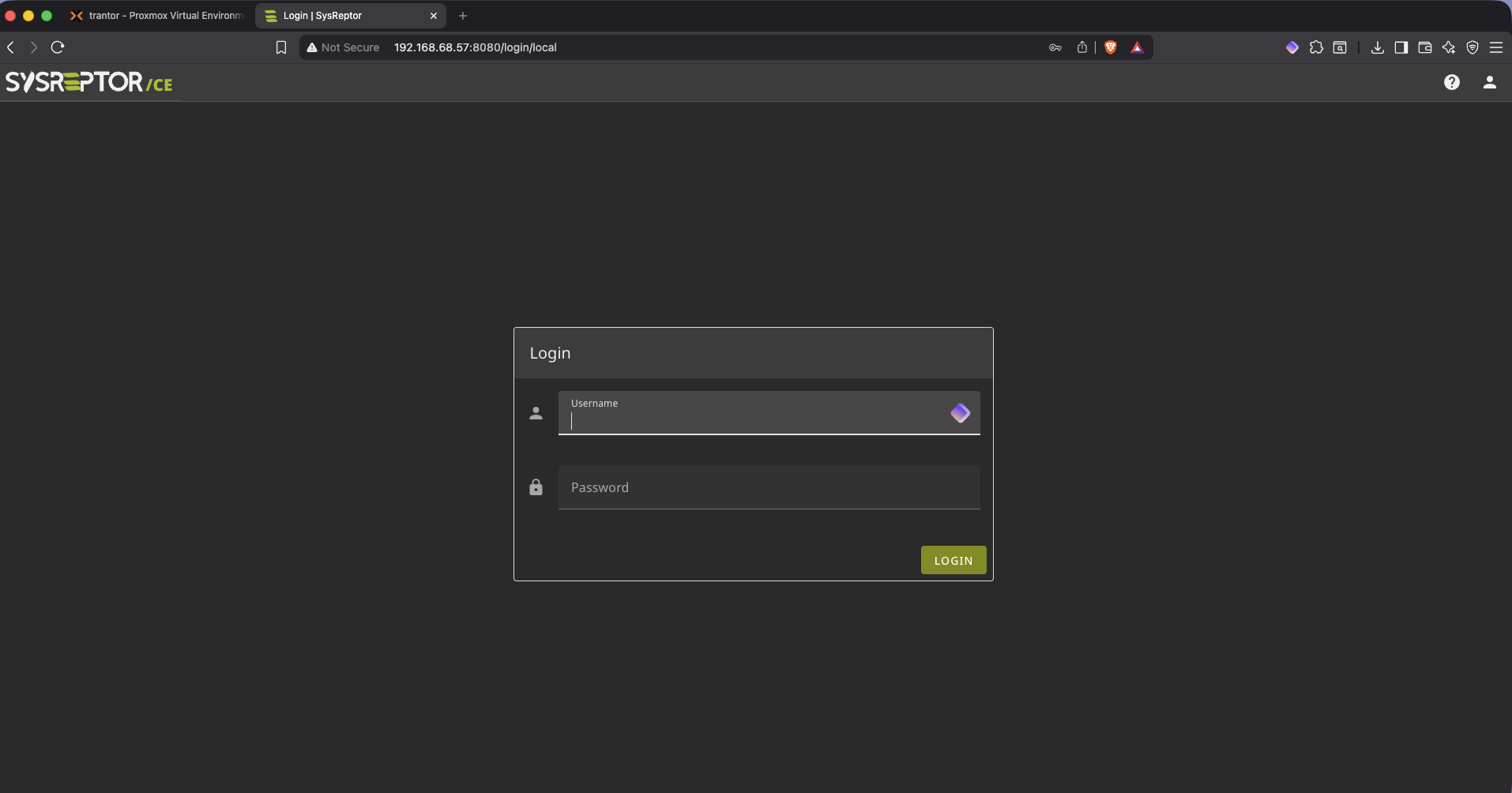
# sysreptor-app ... 0.0.0.0:8080->8000/tcp ← accessibleSysReptor is now reachable at http://192.168.68.57:8080.
Admin Setup and Template Migration
Created the admin user:
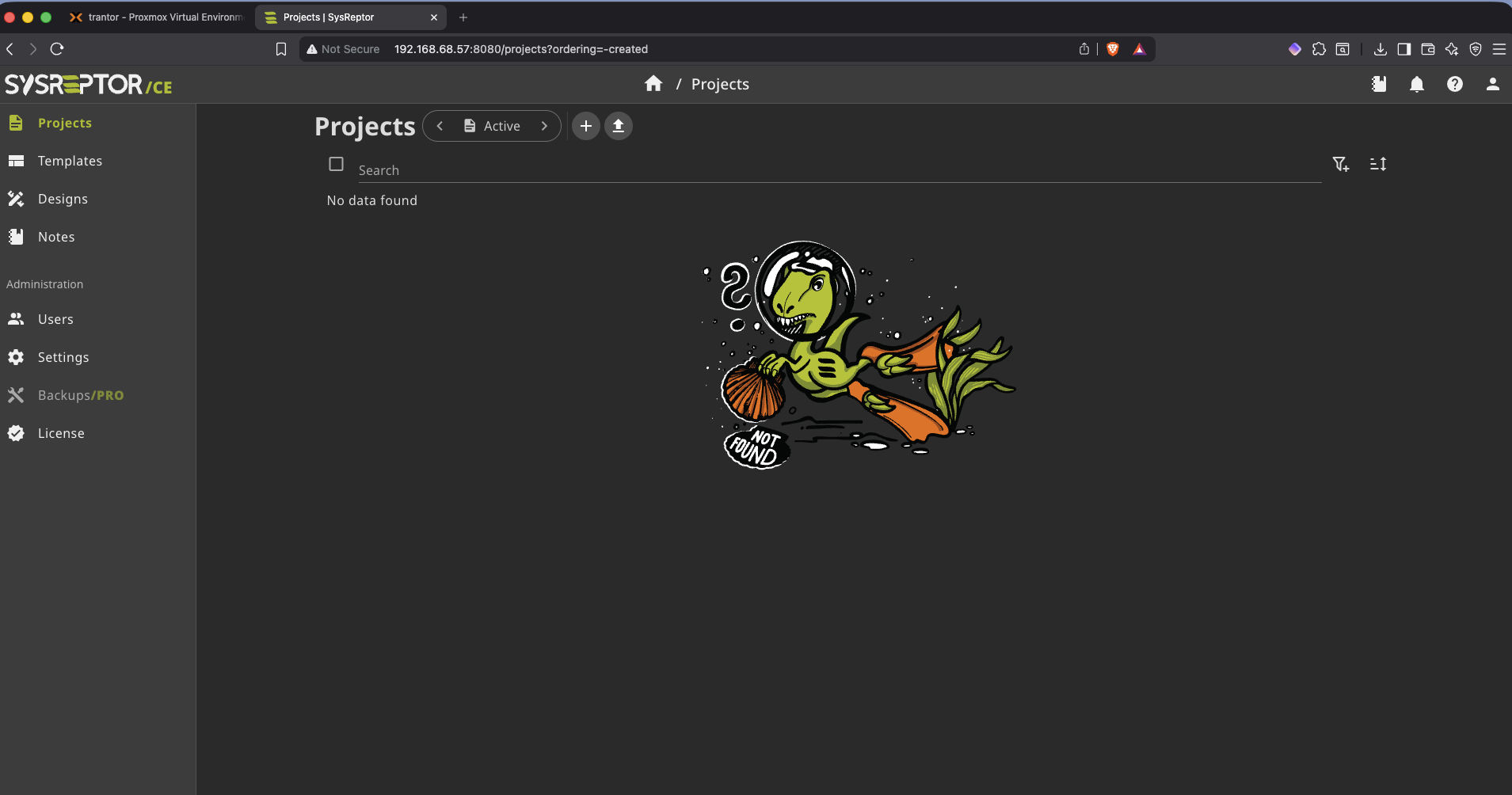
docker compose exec app python3 manage.py createsuperuserTemplates from the previous SysReptor instance were exported individually via the UI and re-imported into the new instance — preserving the full reporting setup including the HTB CPTS template.
The Archwarden Template
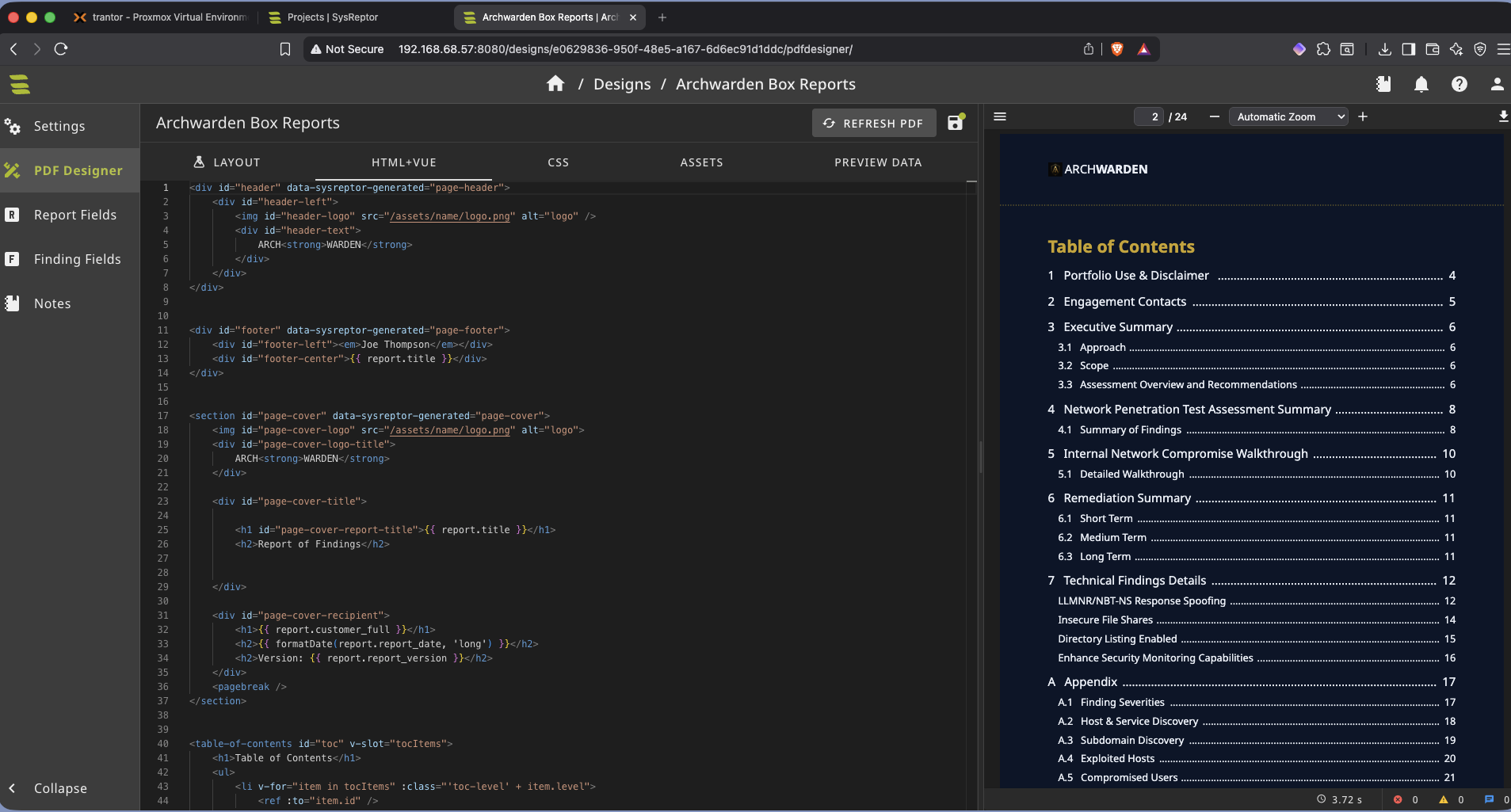
The CPTS report template is built for full penetration test engagements — scoped assessments, multiple targets, executive summaries. For individual HTB box writeups it’s too heavy. I stripped it down and rebuilt it to fit a single-box format.
The changes were straightforward but made a real difference to the workflow: swapped in the Archwarden branding and color scheme, added the logo, and restructured the finding sections to match how I actually document boxes — one target, clear attack path, flags as proof of exploitation. The result is a template I can open, fill in, and export without spending time reformatting every time.
On-Demand Access
Since SysReptor only needs to run during active reporting sessions, the container is stopped when not in use — started on demand via a Stream Deck button that SSHes into Proxmox, starts CT 102, and opens the browser automatically.
This keeps the homelab lean: dedicated tooling available when needed, not burning resources when it isn’t.
Key Takeaways
- LXC with Docker is the right fit for lightweight single-purpose services on Proxmox — no reason to allocate a full VM for a reporting tool
- Nesting must be enabled at container creation for Docker to function inside LXC — it can’t be toggled after the fact without recreation
- Docker Compose variable substitution uses
.envfiles, notenv_file— understanding that distinction is what unblocked the port binding issue - Keeping services stopped when idle is a simple habit that meaningfully reduces homelab power draw over time